How much does GroqBoard cost?
GroqBoard is free. Bring your own API key from Groq, OpenRouter or Soniox and the whole app works, with nothing to pay us. If you would rather not deal with keys at all, the monthly plan includes the key for about $2.99 USD a month: nothing to set up, and always on our best models. Google Play adjusts the price to your local currency automatically.
What if I try it and don't like it?
You do not have to pay to find out. The free option is the whole app and not a demo, so you can use it for as long as you like with your own key. If you take the monthly plan and change your mind, you cancel it in Google Play in two taps and it stops at the end of the period, and Google Play has a refund window on top of that.
Do I have to give up my current keyboard?
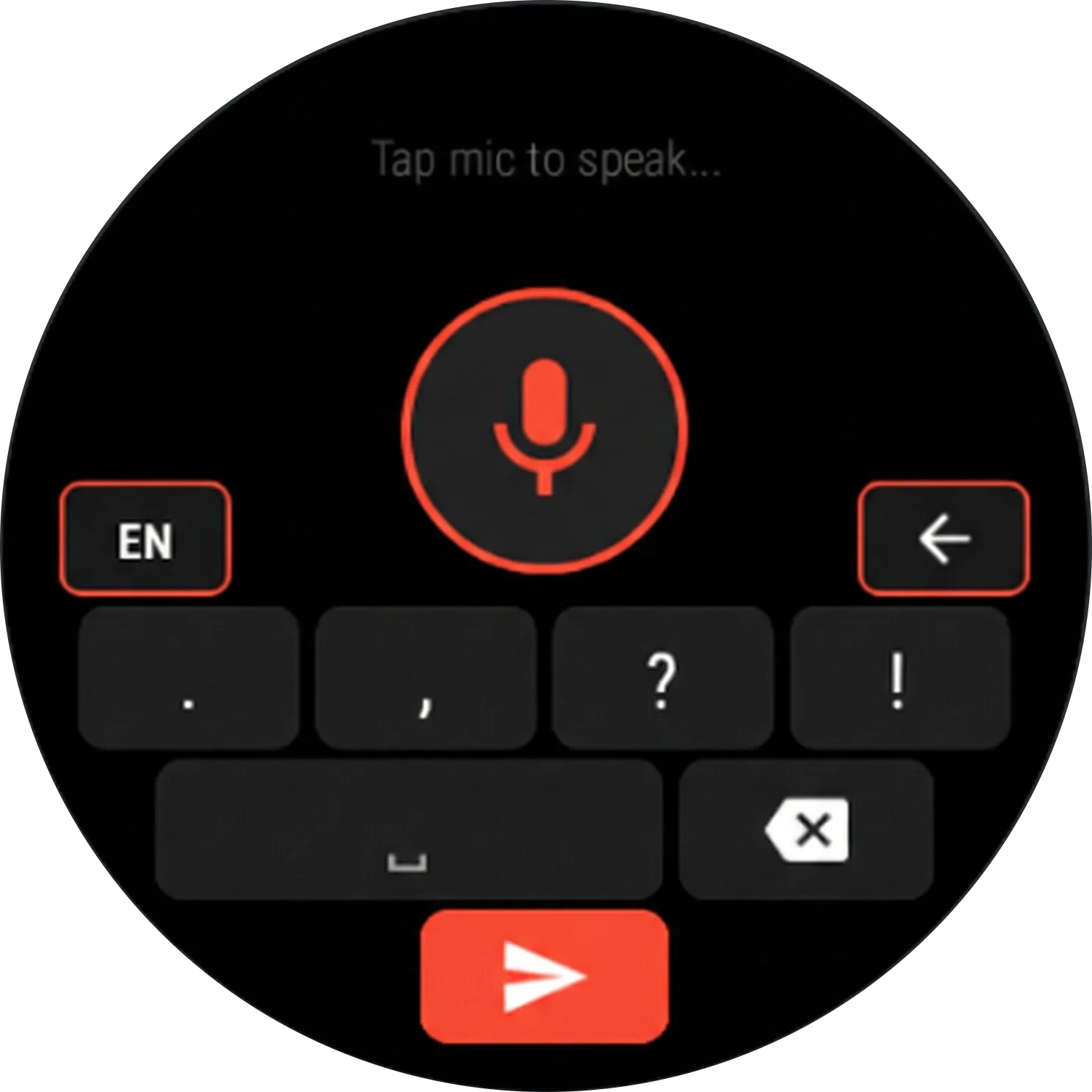
No. Since v10 you can keep Gboard, SwiftKey, Samsung Keyboard or whichever one you use, and GroqBoard adds a small dictation button to its top row. It is measured against that keyboard's own controls, so it matches their size, position and colour instead of floating on top of them, and it appears and disappears with the keyboard in every app. Tap it to dictate, long-press for AI editing, swipe down to cancel. If you would rather have everything in one place, the full GroqBoard keyboard is still there, and so is the floating bubble.
I already purchased GroqBoard before v5.0. Do I need to pay again?
No, and you get something extra. Your lifetime license stays yours and keeps working with your own API key, exactly as before. On top of that you get 6 months of the monthly plan on us, so you can use GroqBoard's key without setting anything up. It is a switch in Settings and never a replacement: your own key stays saved and one tap brings it back.
Why is GroqBoard so much cheaper than other AI keyboard apps?
Because you are not forced to pay for something you can get yourself. Most AI keyboards pay for every transcription out of their own pocket and charge $10 to $30 a month to cover it. GroqBoard's free option skips that entirely: you bring your own key, your audio goes straight from your phone to that provider, and we never touch your usage or your bill. The $2.99 plan exists only for people who would rather not create an account with an AI provider at all, and it is still a fraction of what the others charge.
What AI model does it use?
Dictation runs on Whisper Large v3 Turbo on Groq's hardware, one of the fastest and most accurate speech-to-text setups available. Predictions, AI editing and Smart Actions run on OpenAI gpt-oss models through Groq. With your own key you can also switch to OpenRouter and pick any model you want: Claude, GPT, Gemini, Llama, Mistral and more, by pasting a key from openrouter.ai.
Does the monthly plan get better models than bringing my own key?
The models are the same today, but they do not stay in step. On the monthly plan we choose the engine on our side, so the day a faster or more accurate model appears, everyone on the plan moves to it at once, with no app update and nothing to change in Settings. With your own key you choose the model yourself, which means you keep exactly the one you picked until you go and change it. Neither one is better: one is hands-off, the other is hands-on.
Can I make it learn my writing style?
Yes. You can import a WhatsApp chat export and the app trains on your own messages, learning your vocabulary, phrases, and preferred language. You can also add custom words manually. The more you use it, the smarter it gets.
Does it need internet to work?
Voice recognition and AI predictions require an internet connection; they run on Groq's servers. The full QWERTY keyboard and swipe typing work completely offline, so you can still type without a signal.
What languages does GroqBoard support?
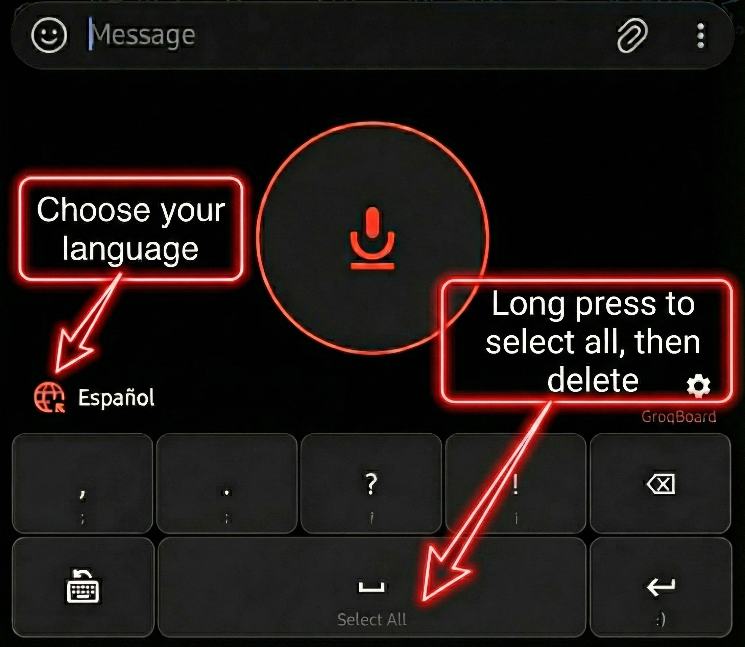
Dictation works in 9 languages: English, Spanish, Portuguese, French, German, Italian, Dutch, Japanese and Greek. You can switch language from the keyboard without going into Settings, and the AI editing commands, Smart Actions and read-aloud work in all of them. Autocorrect ships with English and Spanish dictionaries, including proper Spanish accent handling.
How does GroqBoard work in any app?
Three ways, and you pick the one you like. The docked dictation button sits on the top row of whatever keyboard you already use. The floating bubble sits on top of any app and follows you around. Or you set GroqBoard as your keyboard and get everything in one place. All three insert text straight into the field you are typing in, so they work in WhatsApp, Gmail, Docs, browsers, notes, and anywhere else you can type.
Is GroqBoard private and secure?
It depends on which option you use, and the difference is worth knowing. With your own API key, your audio goes from your phone straight to the provider you chose and there is no GroqBoard server in the middle at all. On the monthly plan it passes through api.groqboard.com, which holds the key on your behalf and forwards the request; what we keep there is a 24 hour access pass, an anonymous account id and a counter of how much you used, never your audio and never your transcripts. Either way, your API keys, snippets, custom vocabulary and learned words stay on your device, and transcription history is local and you can clear it whenever you want.
What is the best AI voice keyboard for Android?
We are obviously biased, so here is what to compare on instead of taking our word for it: accuracy of the speech model, how it charges you, and whether it makes you abandon your keyboard. GroqBoard runs Whisper Large v3 Turbo on Groq's hardware; it is free with your own API key and about $2.99 a month if you want the key included, against the $10 to $30 a month the others charge; and since v10 it docks onto Gboard, SwiftKey or Samsung Keyboard rather than replacing them. You can check all three claims without paying anything.